Digital Lab Entrance

What are you starting?

An app, an online shop, an AI helper… One sentence is enough.

Take me to my Desk

Or open a tool

Your tools

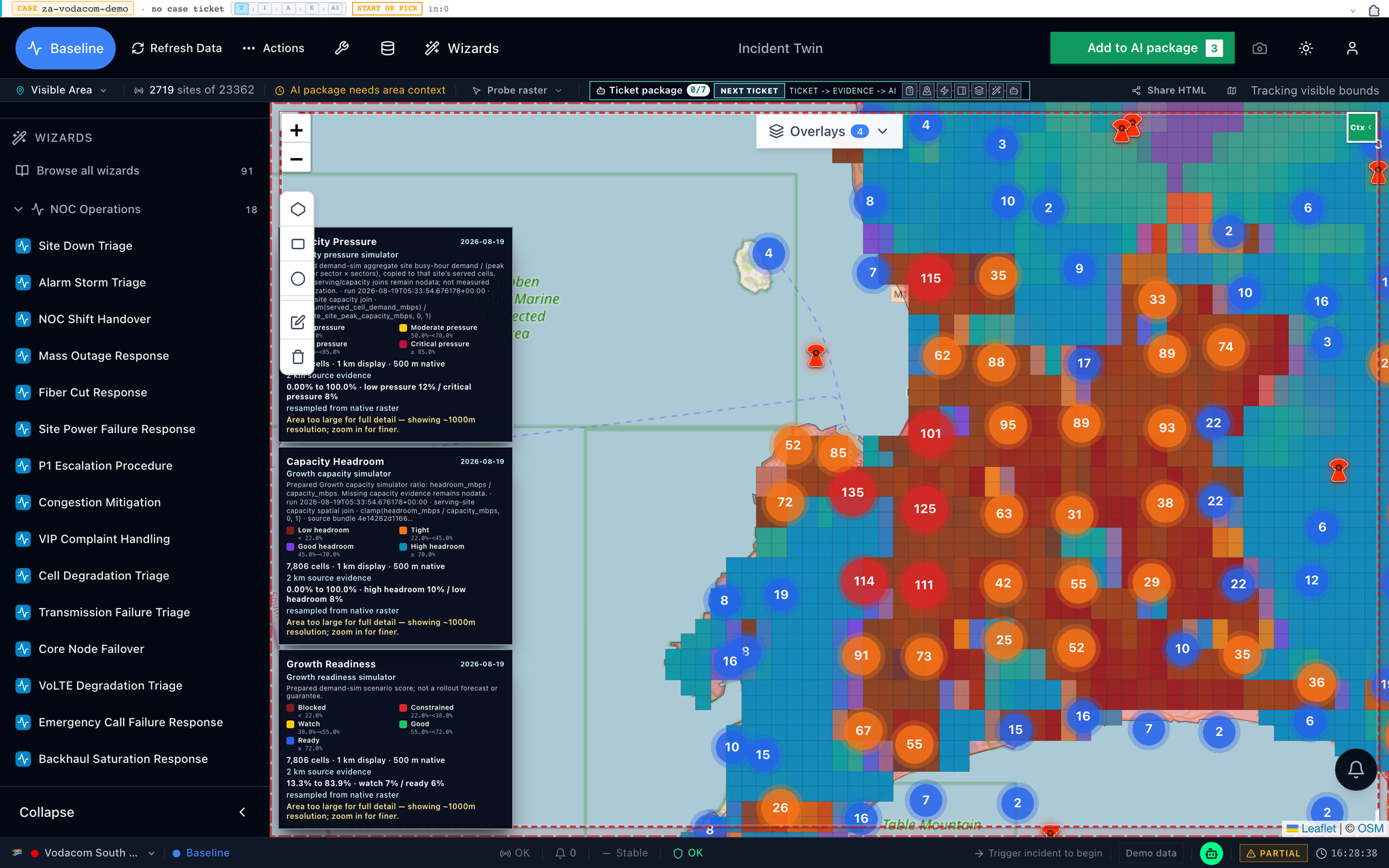
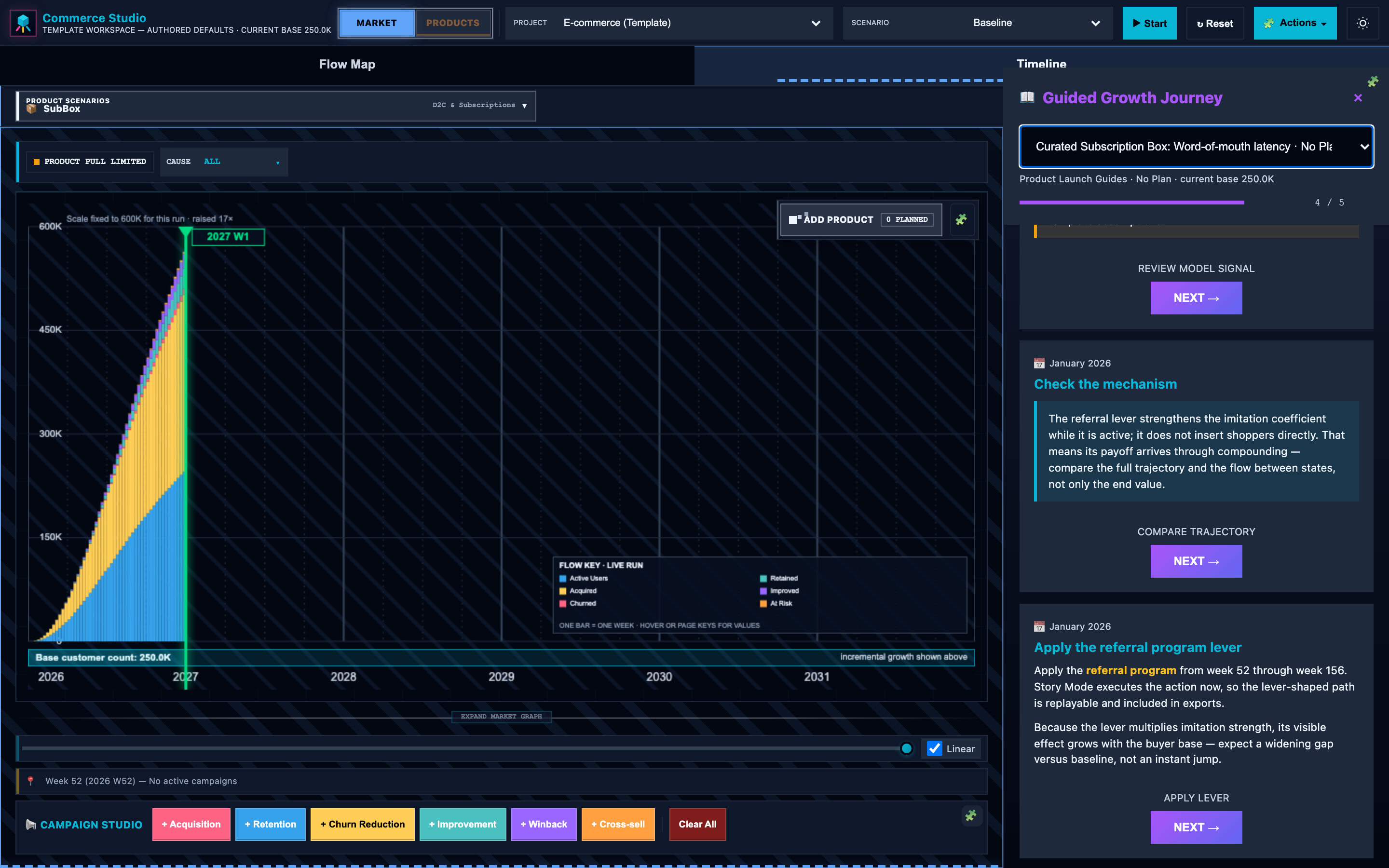
Three apps with their own screens. Product for growth, Geo Research Sim for places, Popis for what you can deliver. Compare, Scenarios, Crowd reactions, Network check, Desk and Expert review are steps of your case: start with your idea above and they come to you.
Find your kind of idea Nine verticals Open an example for your kind of idea.

Which idea sounds like yours?

Loading course studios…

Nine verticals

Find a starting point

Pick the closest kind for your idea at the entrance. It shapes your examples and your Desk start.

Tap a card to see what you can try, then open its example. Its i has the longer notes for that kind of idea.

Nine playful objects for apps, shops, artificial intelligence helpers, learning, communities, networks, games, wellness, and cities.
Nine kinds of idea. Pick the closest one. You can change it later.

Learn by looking

Follow an idea through the tools.

Ideas with devices or networks

Does your idea need devices or networks?

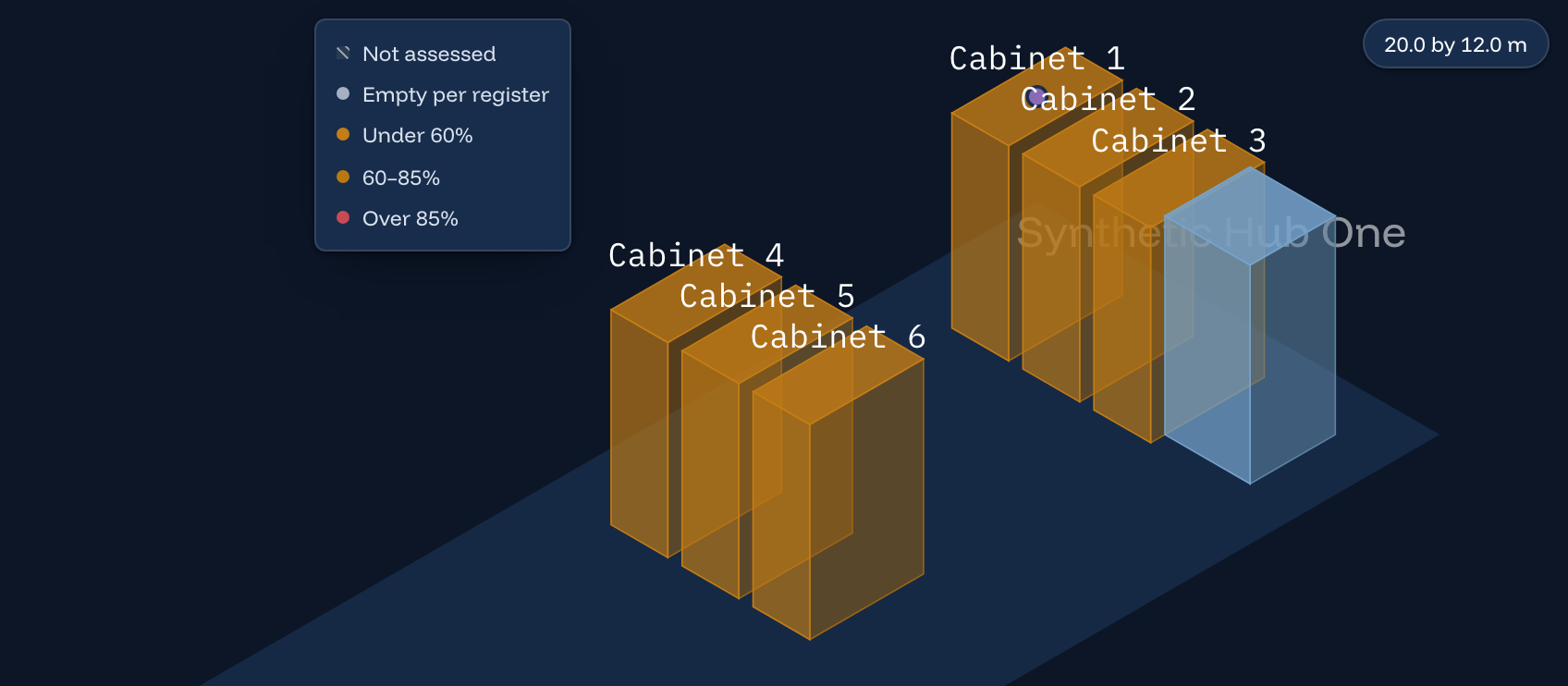
Check the resources in Popis, then the connection with Network check, a step of your case.

  • IoT sensors: check the message size, number of devices and link distance.
  • EV fleets: check connectivity for status updates. Battery and charger sizing need a separate model.
  • Robots: inspect delivery and delay assumptions. This is not a safety certification.

Bring the limits you find back to your Product plan or Desk case. Nothing automatically changes your growth forecast.

Eight questions All 44 lessons Each lesson answers one small question.

All lesson videos

Eight questions, in order

    More ways to practise

    Extra practice · optional

    Choose one lesson. These filters only change this list, not your idea.

    Practise with Compare and Scenarios

    Small checks you can do in the real tool.

    These are not numbered lessons and they are not scored. Each takes a few minutes in one app and ends with something you can write down. Nothing is saved or published by doing them.

    Compare · building an index

    1. Change one weight, watch the rank.

      Does a single indicator decide the order?

      Done when you changed one weight and named which entity moved.

      Equal weights are a choice, not a neutral default.
    2. Find a missing indicator value.

      Does a complete-looking score mean complete data?

      Done when you found one entity with a gap and said how the index treated it.

      Missing is not the same as zero.
    3. Say which way each indicator points.

      Is a bigger number always better?

      Done when you named one indicator where lower is better.

      Direction is authored by whoever built the index. It is not inferred from the data.

    Scenarios · picturing futures

    1. Turn one event on, then off.

      Does the event change the shape, or only the level?

      Done when you compared the same run both ways.

      The difference is the model’s, not an observed outcome.
    2. Check the units and the time step.

      Do these numbers count people, or describe a rate?

      Done when you wrote the unit and the period for one compartment.

      A rate per day is not a headcount, and the two do not convert by eye.
    3. Find where the model stops making sense.

      Does every parameter value give a usable answer?

      Done when you moved one parameter until the result became implausible.

      Leaving the stable range is a limit of the model, not a forecast.

    These checks use each app’s own engine and its own numbers. They do not carry results into Product, and they do not replace the numbered lessons or their recorded evidence.

    Find a lesson to try

    Loading lessons…

    The apps show. You decide.

    About Digital Lab

    How it works

    Bring an idea. Leave with a launch plan Desk can build on.

    1. Say what you are starting.
    2. Dot runs the apps and shows you what it finds.
    3. You answer a few questions and decide.

    What the guide sees

    Only the options you pick, and your idea line if you type one, with links, emails, handles and phone numbers taken out as far as a simple filter can. Jev is asked to keep nothing and writes nothing you read. Jev suggests; you can change every pick.

    How a Desk case runs

    Frame → set limits → build → simulate → check a place, if needed → challenge → approve → save → show

    You approve every change. Agents work only inside the limits you set. Each tool keeps its own numbers: moving between tools carries a written brief, never a silent conversion.

    What is ready

    • Desk, Product, Geo Research Sim: verified.
    • Crowd reactions: 1–100 made-up people when enabled. It advises; it does not measure opinion.
    • Compare: build an index from measures you pick, then see if its order holds. Scenarios: picture where things could go over time, from your own guesses.
    • Popis: assets, customers, capacity, provisioning and business value for an example operator. Network check: a simulated link. Nothing real is reserved or changed.
    • Expert review: send one question to a qualified expert. Sign-in needed. A reply needs an administrator and an approved expert. Payment, email and file uploads happen outside it.

    For classes and events

    • 7 min signature demo: idea → product → model challenge → place → people → decision → proof.
    • 90 min workshop · 2 days executive intensive · 18–24 h studio course on one of nine businesses.

    Running a people check

    Start with 10 synthetic people and one step; go up to 100. Note the scope, seed, provider and cost ceiling, download each receipt, and label it advisory. It is not a full AgentSociety2 run and never changes Product or Geo models. The owner gives you a separate run password; never enter a Gateway API key in the page.

    Pictures for slides

    The renderer makes a picture from a public link. It is a screenshot, not proof.

    Render wide Render phone

    Snapshot links become available on a non-local public deployment.

    Reading the results

    Model output ≠ observed behaviour. Ready ≠ released. Empty ≠ zero.

    More